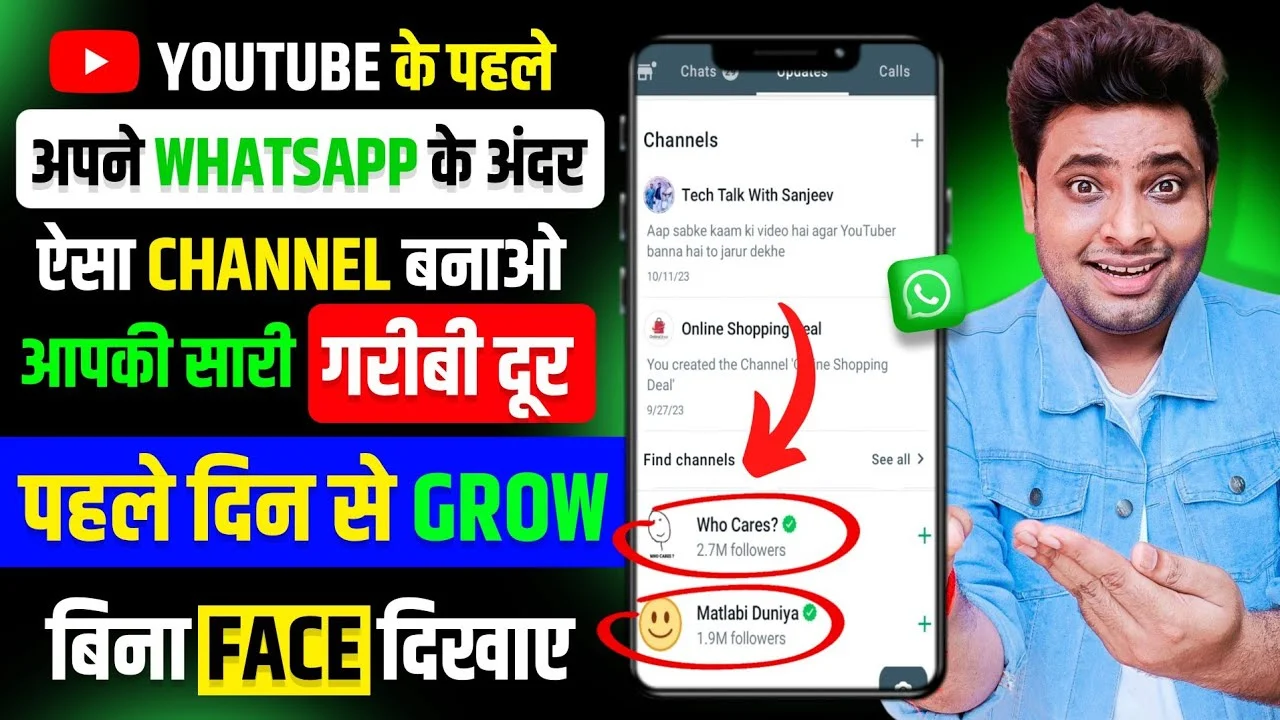
Create and Use WhatsApp Channel : The digital world never stops evolving, and WhatsApp Channels have emerged as a game-changing feature for anyone looking to build a community, grow a brand, or share critical updates with a targeted audience. Whether you’re an influencer, educator, MBA college, placement provider, or run a blog focusing on business, salary, and educational trends, WhatsApp Channels open exciting new pathways for direct engagement. This guide will show you everything from creating a WhatsApp Channel, understanding its strengths, and leveraging its full potential for maximum reach and engagement.
What Is a WhatsApp Channel?
WhatsApp Channels represent a revolution in broadcast messaging. Unlike regular groups, where every participant communicates with each other, Channels offer a way for admins or creators to deliver updates, news, and announcements one-way to their subscribers. This is perfect for MBA colleges, educational consultants, bloggers, placement cell managers, or anyone with content worth sharing directly with an audience.
How Channels Differ from Groups and Broadcasts
- Groups are interactive, with all members chatting in one space
- Broadcasts let you send a message to multiple contacts but are limited by your address book
- Channels are subscription-based, built for unlimited audiences with powerful management controls
Channels are optimized for privacy, scalability, and content control, which are critical for professional use.
Why You Should Use WhatsApp Channels
In modern content marketing, instant, focused communication is gold. WhatsApp Channels offer:
- Direct delivery of announcements and updates to an engaged audience
- Uninterrupted communication without the clutter of group chats
- Enhanced privacy, as subscribers’ identities remain hidden from other followers
- Rich content delivery including text, images, documents, polls, and reactions
- High open rates and user responsiveness compared to standard email marketing
For MBA colleges, agencies, and business blogs, effective channel usage boosts placements, opens communication with alumni, and keeps students and stakeholders informed in real time.
Step-by-Step Guide: Creating a WhatsApp Channel
Setting up a WhatsApp Channel is simple and can be done from the latest version of the WhatsApp app. Follow these steps to launch your first channel.
Step 1: Update Your WhatsApp
Ensure your WhatsApp is updated to the latest version. Channels are a new feature and require the latest updates for optimal performance.
Step 2: Find the “Channels” Section
Open WhatsApp and navigate to the ‘Updates’ tab, which usually sits next to ‘Chats’. You may see a new “Channels” section or a “+” symbol indicating the option to create a new channel.
Step 3: Start Channel Creation
Tap the “+” sign or “Create Channel”. WhatsApp may prompt for verification, especially if you’re setting up a brand or official channel.
Step 4: Customize Channel Details
Fill out your Channel name, description, and optional profile image. Your name and icon should reflect your brand or the purpose of the channel clearly.
- Choose a catchy, relevant name such as ‘MBA Placements India’ or ‘Business News Daily’
- Use a brief but impactful description outlining what subscribers can expect
- Set a recognizable logo or photo to build trust and brand association
Step 5: Set Channel Privacy and Controls
You get to decide whether your channel is discoverable publicly or only via an invite link. For MBA colleges or formal groups, a closed invite might suit better, whereas blogs and public communities can keep the channel open for broader access.
Step 6: Finalize and Launch
Review all details and press ‘Create’. Your channel is now live. WhatsApp will generate an invite link that you can share across your blog, website, or social media to start attracting members.
Effective Strategies for Growing Your WhatsApp Channel
Creating a channel is just the beginning. Success depends on attracting real subscribers and keeping them engaged.
Promote Your Channel Everywhere
- Add the channel’s invite link to your blog, website, and social media profiles
- Include QR codes in offline events or seminars for easy joining
- Mention your channel in YouTube videos, webinars, and newsletters
- Collaborate with relevant influencers to boost initial followers
Offer Value from Day One
- Share exclusive updates, early job alerts, or placement insights for MBAs
- Post quick tips, cheat sheets, or exam strategies regularly
- Announce upcoming events, webinars, or scholarship opportunities
Schedule Regular Content
- Establish a posting schedule (daily, weekly, or per event)
- Use WhatsApp’s scheduled message feature if available
- Balance announcements with interactive polls or feedback requests
- Avoid spamming or sending irrelevant information
Consistency breeds habit; regular posts keep your community active and loyal.
Content Ideas to Boost Engagement
Channels thrive on high-value, relevant, and interactive content. Here are proven formats to try:
Quick Updates and Alerts
Send news on MBA admissions, placement rounds, salary packages or new college rankings instantly so followers stay ahead.
Polls and Surveys
Gauge your audience’s interest, get feedback, or let subscribers vote for the next webinar topic. Polls add a layer of interactivity missing in static broadcasts.
Exclusive Resources
Share downloadable PDFs, study guides, event passes, or cheat codes for competitive exams with channel members.
Event Announcements
Broadcast upcoming career fairs, campus visits, or alumni specials directly to interested students or professionals.
Motivational Messages
Send weekly career inspiration, placement success stories, or time management hacks in a concise format.
Multimedia Content
Utilize images, short videos, and infographics to make updates visually compelling and easy to digest.
Best Practices for WhatsApp Channel Management
To use WhatsApp Channel like a pro, organization and discipline are key.
Stay Professional
- Use formal language when addressing large or mixed audiences
- Avoid off-topic subjects unless your channel is explicitly informal
- Respond to feedback, questions, and polls promptly
Respect User Privacy
- Never request personal information via channel broadcasts
- Ensure sensitive details (results, salaries, placements) are announced responsibly
- Use WhatsApp’s built-in privacy settings for additional control
Track Engagement Analytics
WhatsApp offers basic metrics for channels, such as number of subscribers, message reads, and reactions. Analyze these regularly to optimize content and timing.
Collaborate with Co-Admins
Add trusted co-admins to help with posting, managing events, and audience support, especially for large communities like MBA colleges or business blogs.
Troubleshooting Common Channel Issues
While channels are user-friendly, here are solutions to common problems:
Low Engagement or Activity
- Experiment with message timing; evenings or weekends may have higher activity
- Ask questions or run contests to spark interaction
- Offer rewards for most active members, like free resources or special mentions
Spam or Irrelevant Messages
- Set clear rules for co-admins and posting permissions
- Remove or block those sharing spam links or irrelevant promotions
- Moderate polls and feedback to avoid clutter
Technical Issues
- Keep WhatsApp updated to solve glitches
- Restart the app when facing issues with posting or channel visibility
- Use WhatsApp’s official support if problems persist
Creative Use Cases for WhatsApp Channels
Channels aren’t just for updates. Here’s how different organizations can benefit:
MBA Colleges
- Announce registration deadlines, entrance test schedules, and counseling windows
- Share campus tour videos and alumni testimonials
- Post placement results and salary breakdowns in real time
Placement Agencies
- Release quick job alerts and employer requirements
- Share interview tips and company insights
- Notify students of walk-in drives and last-minute opportunities
Gaming & Tech Blogs
- Alert followers of new game launches, update patches, or tech reviews
- Run exclusive giveaways or tip contests
- Share mod download links or secret codes
Career Counselors
- Provide critical application reminders and document checklists
- Offer motivational sessions and feedback opportunities directly from the channel
Business News Outlets
- Deliver breaking headlines, analysis and insights
- Run live polls on trending topics or market movements
- Circulate important reports or infographics
Advanced Tips to Monetize Your WhatsApp Channel
Channels can also become income streams if managed wisely.
Promote Affiliate Products
Share links to MBA prep books, resume builders, online courses, and related products. With a targeted channel, these recommendations earn trust and conversions.
Offer Premium Memberships
Set up an exclusive channel tier with special resources, early access to job alerts, or live consultations for a monthly or yearly fee.
Accept Sponsored Posts
Partner with institutions, EdTech startups, or employers for sponsored announcements, webinars, or resource packs.
Sell Merchandise
Offer branded educational material, workshops, or digital goods. Use the channel to showcase and drive traffic to your products.
How to Measure Success
Channel success isn’t just about membership numbers; it’s about engagement and value delivered.
- Track read rates, reactions, and feedback to measure impact
- Ask for user testimonials or reviews that help build credibility
- Analyze sales or conversions from affiliate links
- Learn which times and formats work best and adapt your strategy
A successful channel is one that’s lively, interactive, and a genuine resource for subscribers.
Future Potential of WhatsApp Channels
With WhatsApp investing heavily in communities and business communication, expect more features in coming months:
- Enhanced analytics and reporting tools
- Deeper integration with e-commerce and payment gateways
- More multimedia and interactive options, like quizzes and live streaming
- Improved discoverability through WhatsApp search and external links
Adapting early gives your blog or organization the power to lead in the digital transition.
Conclusion: Take Action Today
WhatsApp Channels are more than a tech update—they’re a strategic opportunity. Use them to drive engagement for your MBA blog, placement agency, or education consultancy, and watch your influence and audience grow rapidly. Use this guide to start your channel, develop effective messaging practices, and explore monetization avenues. The world of direct communication is changing, and with WhatsApp Channels, you have the tools to be at the forefront. Start today, experiment with formats, and become the go-to source in your space.
Leave a Reply